
In today's dental practice, we work with an ever-growing number of documents and forms. Patients fill in paperwork at first registration, questionnaires before procedures, informed consent forms, forms for NHIS, NHIF, and so on and so forth. This process can generate a large volume of documents that we are required to keep and store for a relatively long period of time. Imagine an orthodontic practice with a high patient turnover — many of them for trivial things such as wire changes, re-bonding a fallen bracket, or elastics. Regardless of the procedure, the documentation requirement remains.
The solution is to digitise these forms, have them completed via phone or tablet, and store them on a digital medium. Here is how we approached this in a Sofia-based clinic to solve the problem: We identified which forms were actually in use at the practice. You would not believe how many different versions had accumulated over the years. We narrowed it down to 3 key documents to start with — the forms completed before an initial visit, before a surgical procedure, and before an implantology procedure. Informed consent forms and other documents were added subsequently.
Each template was reproduced in digital form. The patient can now open it on their phone or on a tablet at the clinic and fill it in at their leisure. Once the data is submitted, it is sent to the central system. This system can take many forms — from a simple Python or bash script, through various automation tools (such as n8n or Zapier), all the way to the latest options — AI agents. The latter are extremely powerful tools that offer a great deal of flexibility. In our case, we opted for the middle option — an automation system.
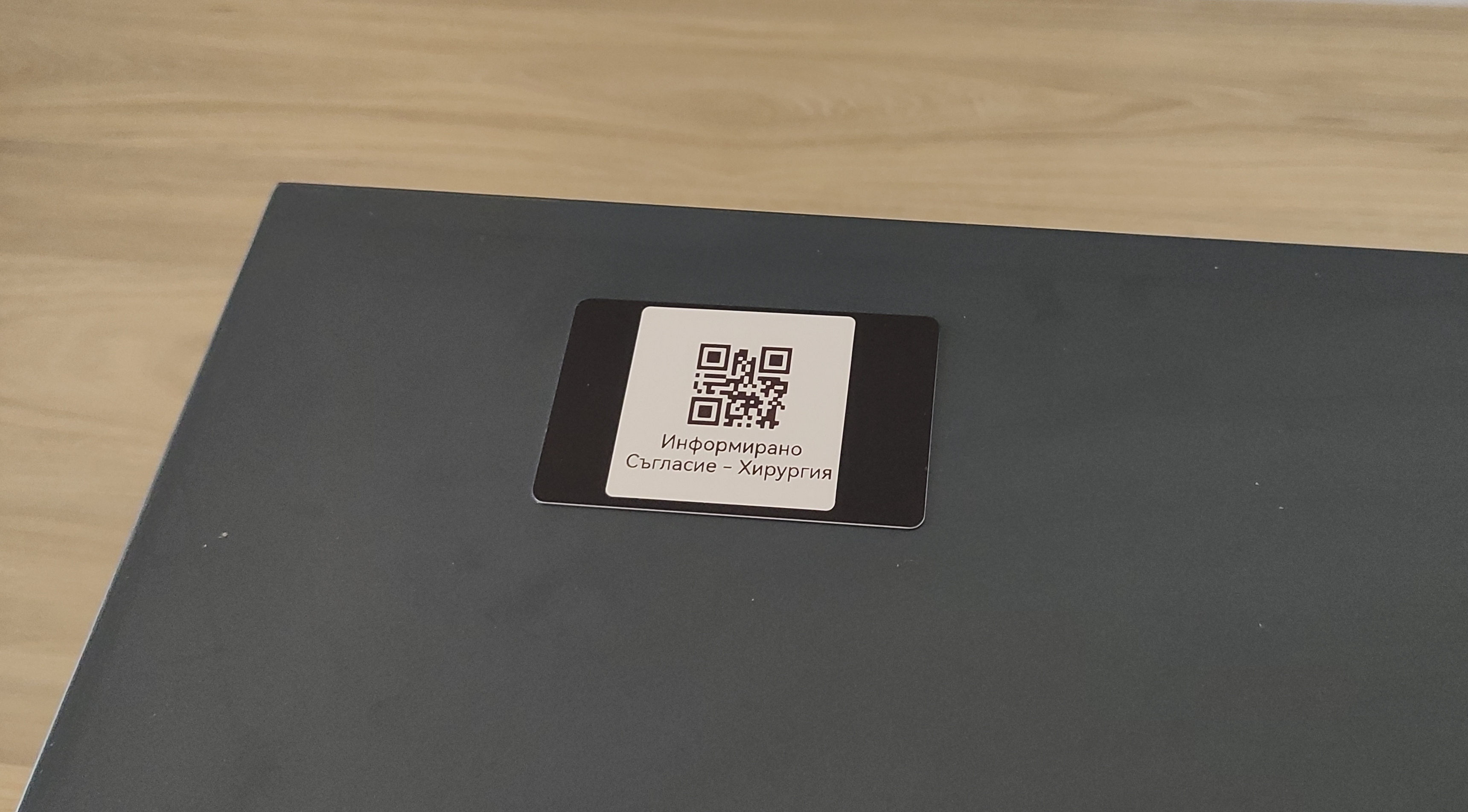
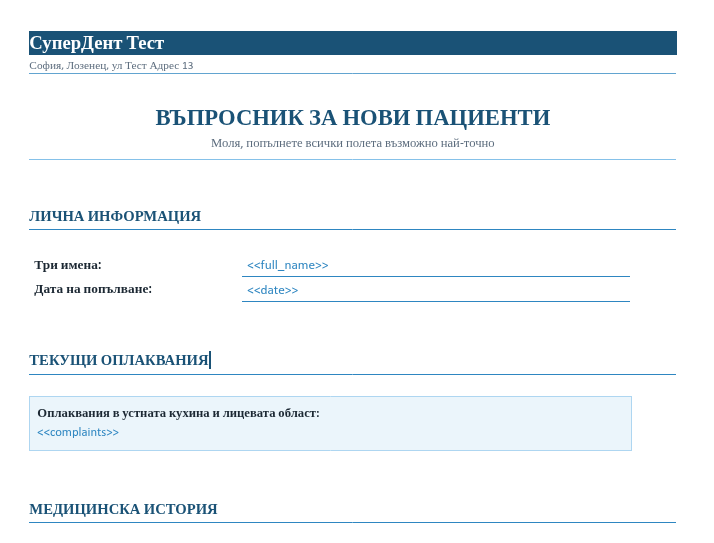
In the images you can see what the new informed consent form before a surgical procedure looks like. The patient can open and complete it on their phone by scanning a QR code or tapping NFC — whichever they prefer. The second image shows part of the document template that is generated. In place of the so-called placeholders in the brackets, the system fills in the real information and assembles the actual document in milliseconds.
Once completed, the system generates a PDF file that appears at the clinic's reception. There the patient can comfortably sign the same file using a signature tablet. At the end, the signed document is stored on the main computer and in one additional backup location. If needed, the document can also be printed on paper at reception for the patient to sign by hand.
Development and maintenance costs: For completing the documents we used Google's tools, which are free — Google Forms, Docs, and Sheets. The "thinking" system runs locally on a computer at the clinic — it operates 24/7 and costs only as much electricity as the computer consumes during normal use. In this specific scenario we went with n8n. The signature pad has only a one-time purchase cost. The signed documents are stored locally on the computer and on an external hard drive — again with no ongoing maintenance cost. The total at the end of the process is actually 0.00 BGN for development and continued use of this system.